

Upgrading your personal computer can be incredibly rewarding. Finally launching a quality game on a platform that’s all yours is a truly extraordinary feeling. Upgrading your PC sensibly and affordably is more accessible than ever. Large companies and independent developers alike manufacture PC parts for all budgets. But which parts should you actually upgrade, and how do you know when to do it?
Cooling
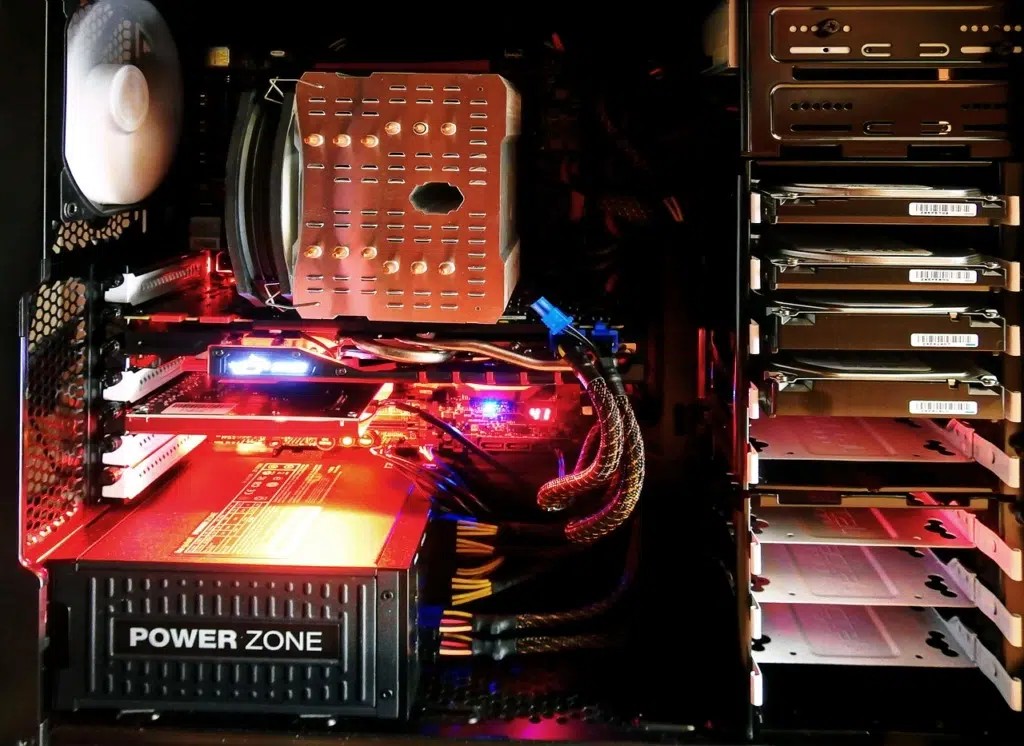
Any major PC upgrade should be accompanied by extra cooling precautions. Don’t worry: no matter how hot your PC gets, it won’t catch fire. Most modern PC components have mechanisms that monitor temperature and cut power or reduce performance if they approach a dangerous temperature. The downside of this protection system is that your custom PC’s performance will automatically decrease if it overheats, meaning your upgrades could be undone! Additional cooling can take many forms. Fans are by far the most popular, but some companies have built unique water-cooling systems .
Graphics card
If you work in 3D graphic design or play games that demand high performance, you should upgrade your graphics card. Your graphics processing unit, or GPU, is the part of your computer that controls the amount of detail that can be displayed on your screen and the number of frames per second your computer can handle without freezing or crashing.
If you want to play recently released games, you should run a test before spending money on a new GPU. Try running the game at 30 FPS with low graphics settings. Slowly increase the FPS and graphics settings until you reach a point where your computer starts to slow down. Now, back off slightly. Would you be able to play a game with the settings you get after this test? If not, upgrade your GPU. Make sure your computer is powerful enough to run another card. You’ll need an extra 100 to 300 watts of power reserve. If you’re unsure of your PC’s output and usage, Google your exact model. Most modern high-performance desktop computers have PCI Express 3.0 slots, which allow you to easily replace your GPU with a better third-party model. Here’s a handy guide to the types of graphics cards available.
UCT
Your CPU, or processor, is essentially the brain of your computer. It allows all the separate components of your system to communicate with each other. Modern computers typically come with high-performance processors, but if you run applications or games where many AI units are running simultaneously, you might need an upgrade. To find out if you need a new processor, download an application called HWmonitor . It allows you to monitor your CPU’s performance while you run games. If your processor shows HWmonitor as running at nearly 100% usage, you should upgrade.

