

To maintain optimal image quality , Photoshop and Lightroom are industry standards for photo editing. However, given their different features, which is the most recommended for editing photos? Here are some answers!
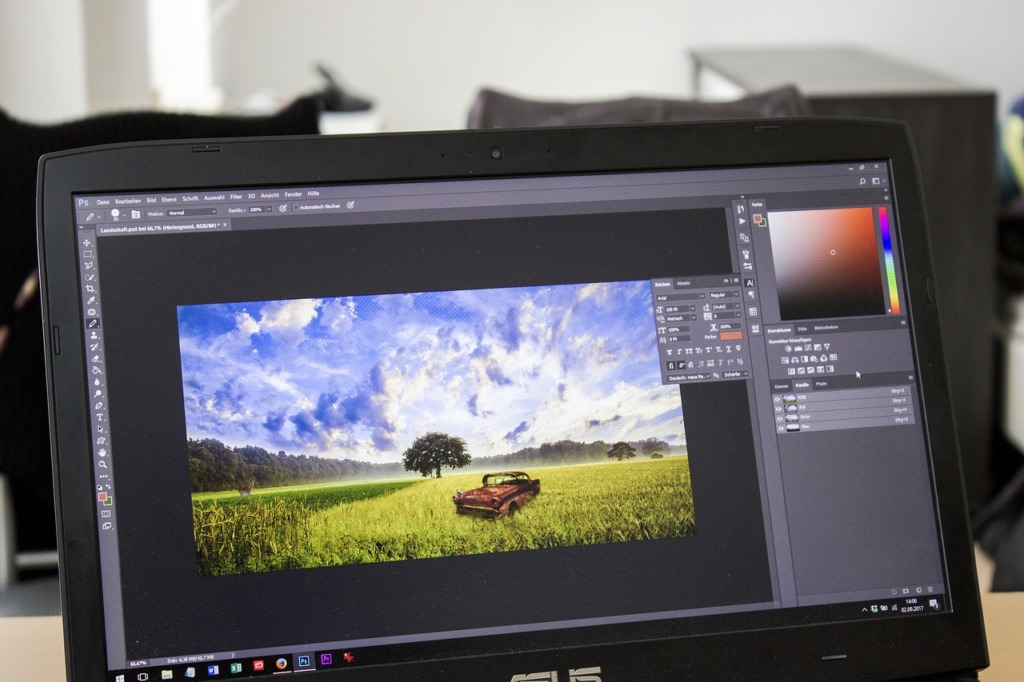
Lightroom and Photoshop: a resemblance
Lightroom and Photoshop are both published by Adobe While one is older than the other, Photoshop is the ancestor of photo editing . In fact, Lightroom, as the successor to Shadowland , was developed to offer a simple and quick solution for processing a larger number of photographs.
Thanks to the RAW format photo processing engine (Adobe Camera RAW), both software programs can perform exposure and distortion corrections , adjust brightness, etc. This is in fact their major common point: image retouching.
In general, photographers may not need to open Photoshop to use Lightroom, or they may need to use Photoshop without opening Lightroom. The important thing is knowing how to use the tools for cropping, straightening, creating panoramas, graduated filters, brushes, preset effects, and so on.
However, although their interfaces have virtually the same tools, the two software programs each have very specific features.
Lightroom for better organization and space management
One of Lightroom’s key strengths is its ability to process multiple images simultaneously. Its file structure includes a catalog that can be organized for easy searching.
Unlike Photoshop, Lightroom’s image edits are limited to a copy of the image. Therefore, it’s possible to retrieve previous versions of the photo through a history log. This is especially true for photos in JPEG, PNG, and TIFF formats.
Furthermore, it’s worth noting that an image edited in Photoshop takes up seven times more space than one edited in Lightroom. This is because, after modifying a RAW file, Lightroom saves the image in its catalog as raw data. In contrast, Photoshop first saves it in PSD format before creating an additional file that is seven times the original size.
Among other things, Lightroom allows the use of keyword and metadata search tools to manage files in a coherent catalog, unlike Photoshop. Photoshop only operates on an image-by-image basis, except when file explorers like Adobe Bridge are installed.
More advanced retouching tools in Photoshop
The advantage of Photoshop is that it can generate virtually any image. This tool is primarily designed for photo editing. It also allows you to create posters, bring illustrations to life, simulate 3D images, and, of course, design websites. The only limit to this software is the creativity of its user.
Thus, Photoshop is the tool for both local and in-depth image editing. Lightroom, on the other hand, offers convenient localized editing options such as the use of editing brushes, added in Lightroom 6 and Lightroom CC .
In short, to take advantage of their synergy, it is best to use the two software programs in a complementary way.
